My Apple Watch is frozen in time
About how I got my Apple Watch and the end of Apple’s software update support for it
In the middle of the pandemic, I decided to buy a smartwatch. I already had my first iPhone by then, so getting an Apple Watch seemed like the obvious choice. That is how I ended up ordering my first Apple watch from Amazon: a 44mm Apple Watch Series 6 GPS.
I already knew these kinds of devices. A lot of people around me had one from one brand or another, but I was never particularly interested in them. To me, they mostly looked like an extension of your phone, basically a notification device for your wrist. Still, Apple was selling it as a fitness tracker, and I wanted to be fit, so that was enough to convince me.
At first, the hype made me wear it every single day. During the first few months, it helped me keep track of my circadian rhythm and motivated me to start exercising more regularly.
But the Apple Watch is also the kind of device that can become annoying over time, mostly because you have to charge it every day. As a general rule, the battery does not really last a full 24 hours, so charging it has to become part of your daily routine whether you like it or not.
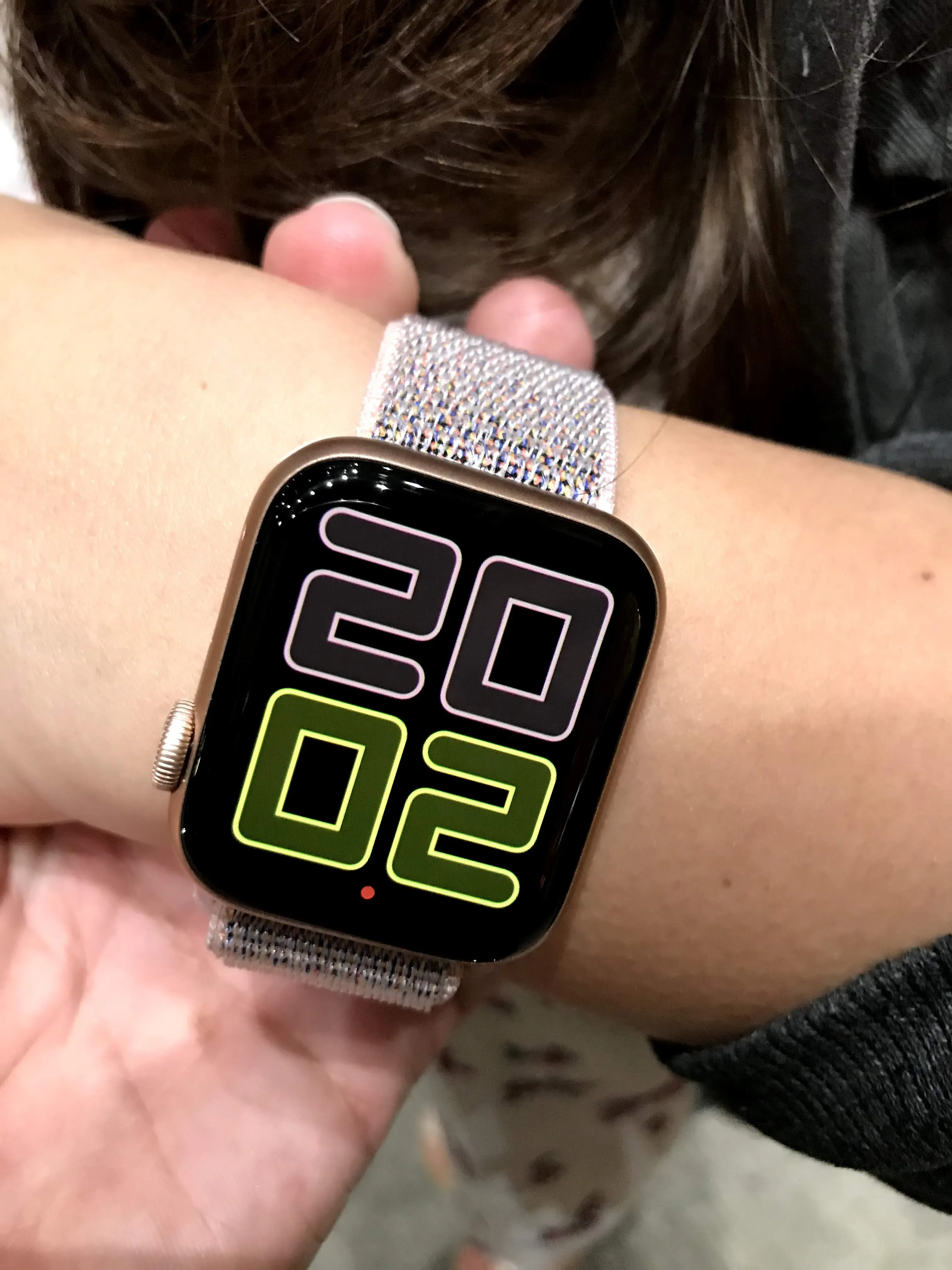
I am not much of a notifications person. I basically have most of them disabled, so the whole “notifications on your wrist” part of the watch is mostly useless to me anyway.
And if you forget to charge it, even once, your expensive smartwatch suddenly becomes an expensive bracelet that cannot even tell you the time.
That makes it one of the most boring devices I own. You have to be surprisingly conscious of its existence just to keep it minimally useful.
Somehow, it became part of my routine
Despite all of that, I slowly became attached to the little thing.
These days it is almost an essential part of my daily routine. I charge it while I shower, which means it is usually ready to go. I use it to pay at the supermarket, track hikes, set timers while cooking, and its watch face gives me pretty much everything I need at a glance: the current time here and my home country, the weather so I know whether I need a jacket, an umbrella, or sunscreen, and a quick overview of the day’s events.
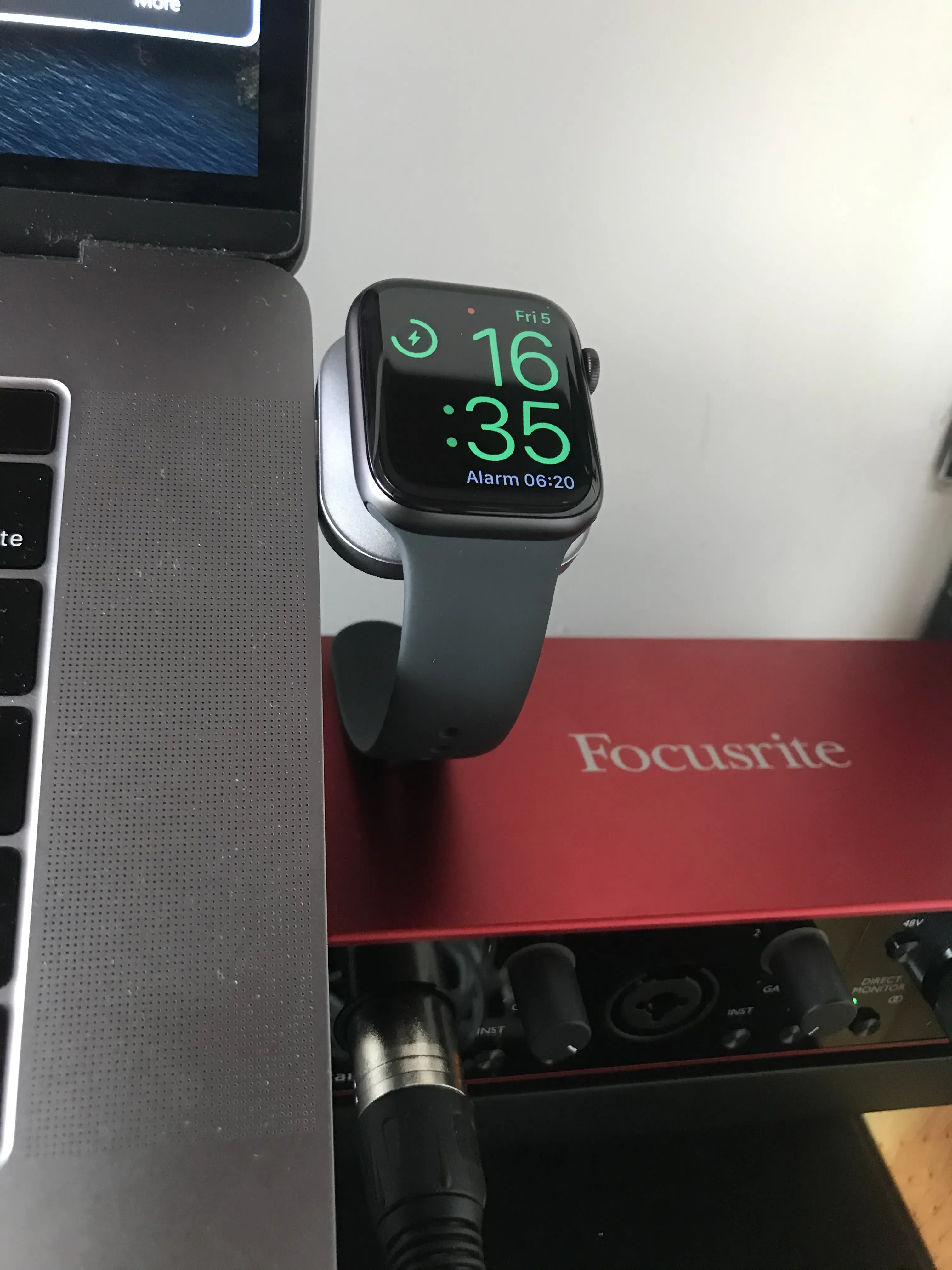
At this point, a day without it feels a little strange.
But something happened this week.
My phone updated to iOS 27, and while looking through all the new features, I was reminded of something I had completely forgotten: my watch is old now.
Very old, apparently.
Frozen in time
It no longer supports new watchOS updates. This is it. It has reached the end of the line, and it will never receive another major software update.
It is a slightly sad ending for a watch that has been with me for more than five years.
The funny thing is that the watch itself is still in good condition. It works fine, and it honestly feels like it could keep going for another couple of years. It survived the passing of time without really dying from lack of performance or usefulness.
Instead, it became obsolete because the market decided it was no longer worth updating.
I will keep using it. I know it will continue to work for a while.
But from now on, every new feature will happen somewhere else.
Its capabilities are frozen in time.